Registration and waitlists
Public signups, capacity limits, waitlists, confirmation notes, and the tiny details that help people show up prepared.
Accessible program operations for mission-driven teams
I build focused, accessible tools for faith communities, nonprofits, schools, and creative programs that need better registration, waitlists, check-in, attendance, reminders, and follow-up without adopting a giant platform.
A few pilot spots are open for teams with a real workflow problem and a willingness to test the first version honestly.
Registration, check-in, attendance, reminders, and follow-up in one calmer path
Built personally by a legally blind engineer who treats accessibility as craft, not garnish
Pilot-friendly scopes for small teams that need relief before they need another platform
The workflow problem is usually humble: a form over here, a spreadsheet over there, reminders sent by memory, and attendance reconstructed after the room is already empty. SethBuilds turns that fragile chain into a small tool your team can actually keep using.
The strongest projects usually start with one painful workflow: getting people registered, checked in, counted, reminded, and followed up with clearly and accessibly.
Public signups, capacity limits, waitlists, confirmation notes, and the tiny details that help people show up prepared.
QR codes, name search, walk-up arrivals, and check-in screens that volunteers can understand without a training saga.
Clean attendance records, no-show lists, exports, and next-step reminders that keep care from leaking through the cracks.
Rosters, role preferences, swaps, reminder messages, and small coordination tools for people doing a lot with a little.
Searchable lesson pages, workshop materials, event resources, and archives built with headings, keyboard paths, and clarity from day one.
Focused dashboards for program status, attendance exports, lightweight reporting, and the handful of numbers your team actually uses.
Every app I build is accessible by default because I use a screen reader myself. Keyboard navigation, screen reader support, and proper contrast aren't afterthoughts. They're how I work.
These are live tools built around specific workflows, not generic mockups. Phase two can turn them into fuller case studies; phase one keeps the proof honest and qualitative.
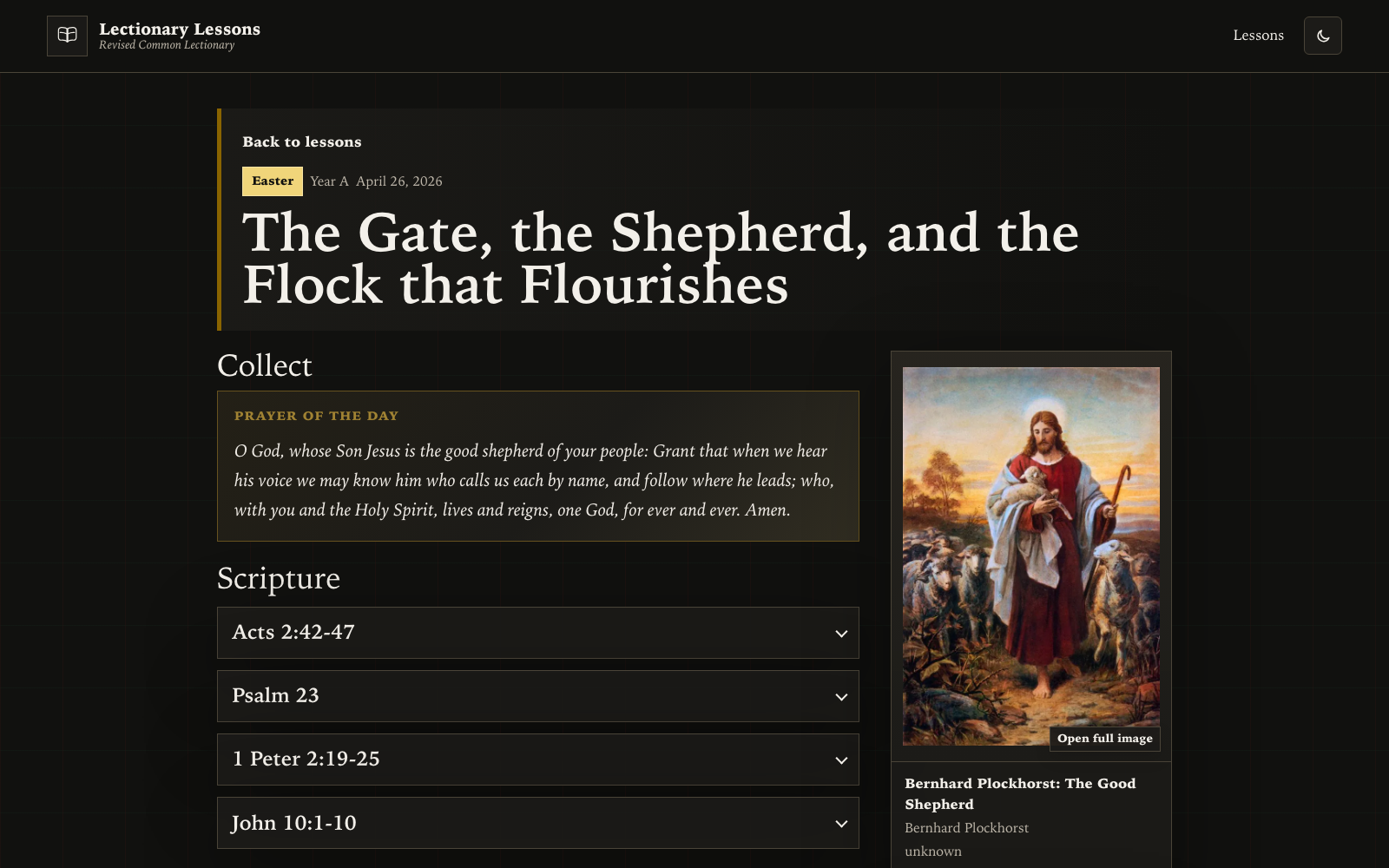
A public lesson library for a Sunday school class, shaped around scripture, study questions, and curated artwork.
Problem: Sunday school prep needed one calm place for readings, questions, prayer, and art instead of scattered notes.
Solution: A searchable public library that makes each lesson easier to find, scan, and share.
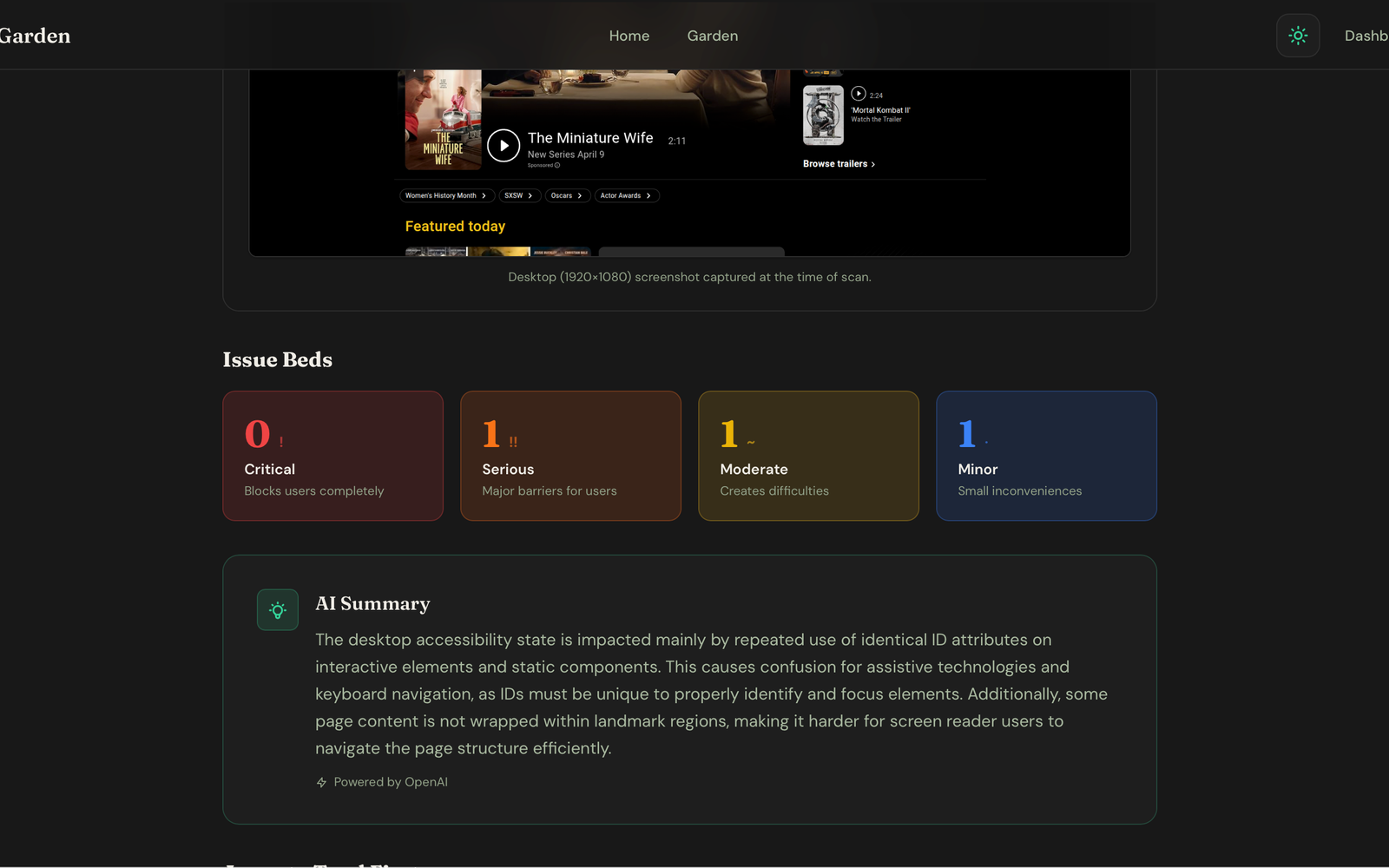
Accessibility scanning and guidance designed to help teams find, understand, and fix WCAG issues.
Problem: Accessibility issues are hard to triage when reports are too technical or disconnected from the page.
Solution: A practical scanner and guidance flow that helps teams understand what needs attention next.
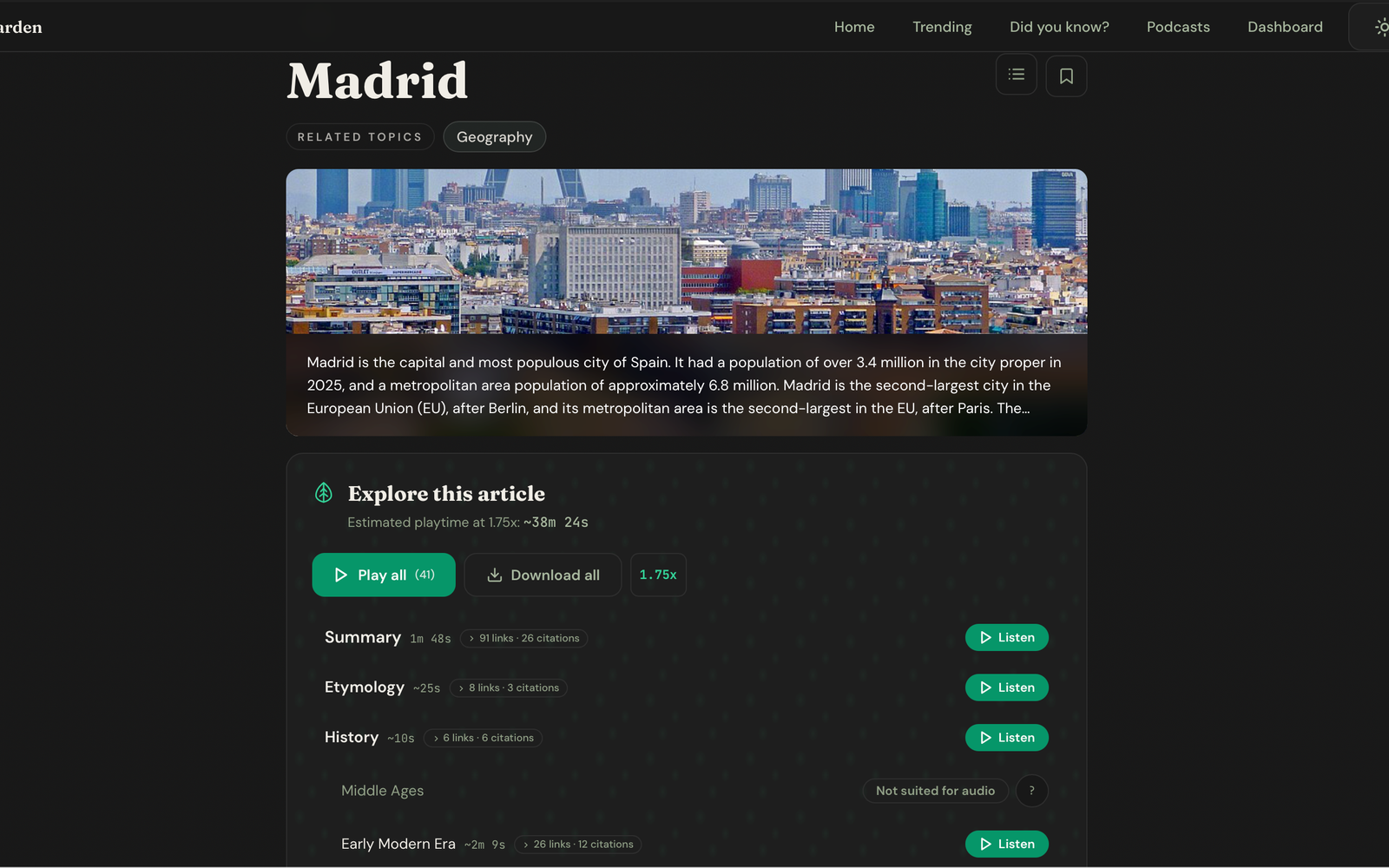
An accessibility-first Wikipedia listening app for turning curiosity into structured, navigable audio.
Problem: Long-form reading is not always the easiest way to explore, especially when listening would fit the moment better.
Solution: A structured audio-first exploration tool that turns curiosity into navigable listening.
We start with who you serve, what you use now, where the handoffs fail, and what a calmer week would look like.
The scope stays small on purpose: one public flow, one back-office view, one practical path from signup to follow-up.
Pilot feedback shapes the next pass. You keep the tool and the data, with optional hosting and support if you want me nearby.
SethBuilds is probably a good fit if your current tools almost work, but your team still loses time every week to manual signups, reminders, attendance cleanup, or follow-up.
A few pilot spots are reserved for organizations willing to test early and give honest feedback. Paid projects are scoped after discovery; optional hosting and support can be added if you want me to keep the lights on and the gears oiled.
Talk through your workflow wishlist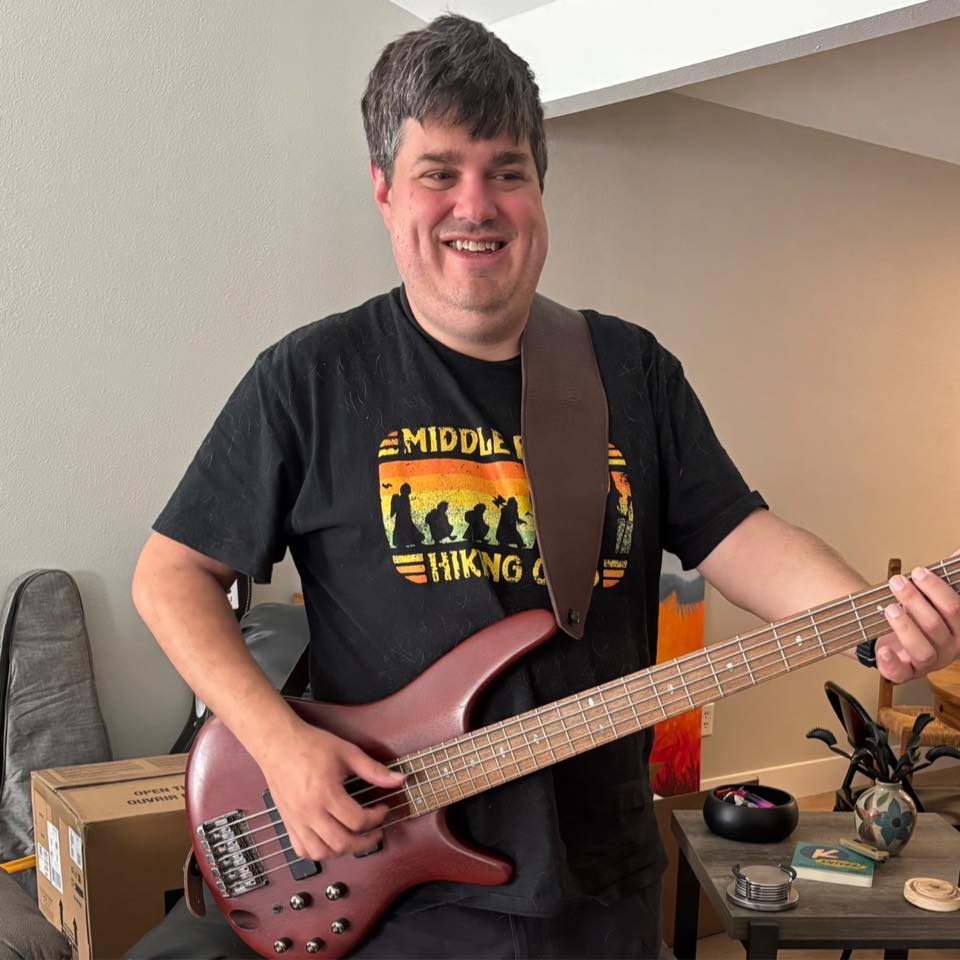
Hi, I'm Seth Wilson. I'm a legally blind software engineer living and working out of Tyler, Texas. With over eight years of full-stack experience — web front-ends, databases, APIs — I strive to bring a spark of joy and curiosity to everything I create.
I try not to take this life's rich tapestry for granted: the people who show up, the communities that make room, the small acts of care that quietly change someone's day. That gratitude is what drives this practice. I build for faith communities, educational institutions, nonprofits, and creative organizations because you're often carrying the work that matters most with the fewest extra hands.
Because I'm legally blind, everything I build is accessible from the ground up — it's not an afterthought. And I don't outsource or reach for off-the-shelf templates. Every project is artisanally crafted to fit your needs.
Start with the messy truth: who you serve, what is breaking, what you use now, and what better would look like. If a pilot makes sense, we can scope a small first version around the highest-friction path.
The project form will collect the lean details: Name, Email, Organization, Sector, Workflow problem, Current tools, Timeline, and Pilot interest.
The booking calendar will sit beside the form once it is ready. Until then, email is the fallback path.